Managing crew
Your crew list is the roster of everyone you can schedule and message. It holds each person's name, contact info, role, and division so you can build the day board and send the schedule.
Viewing your crew
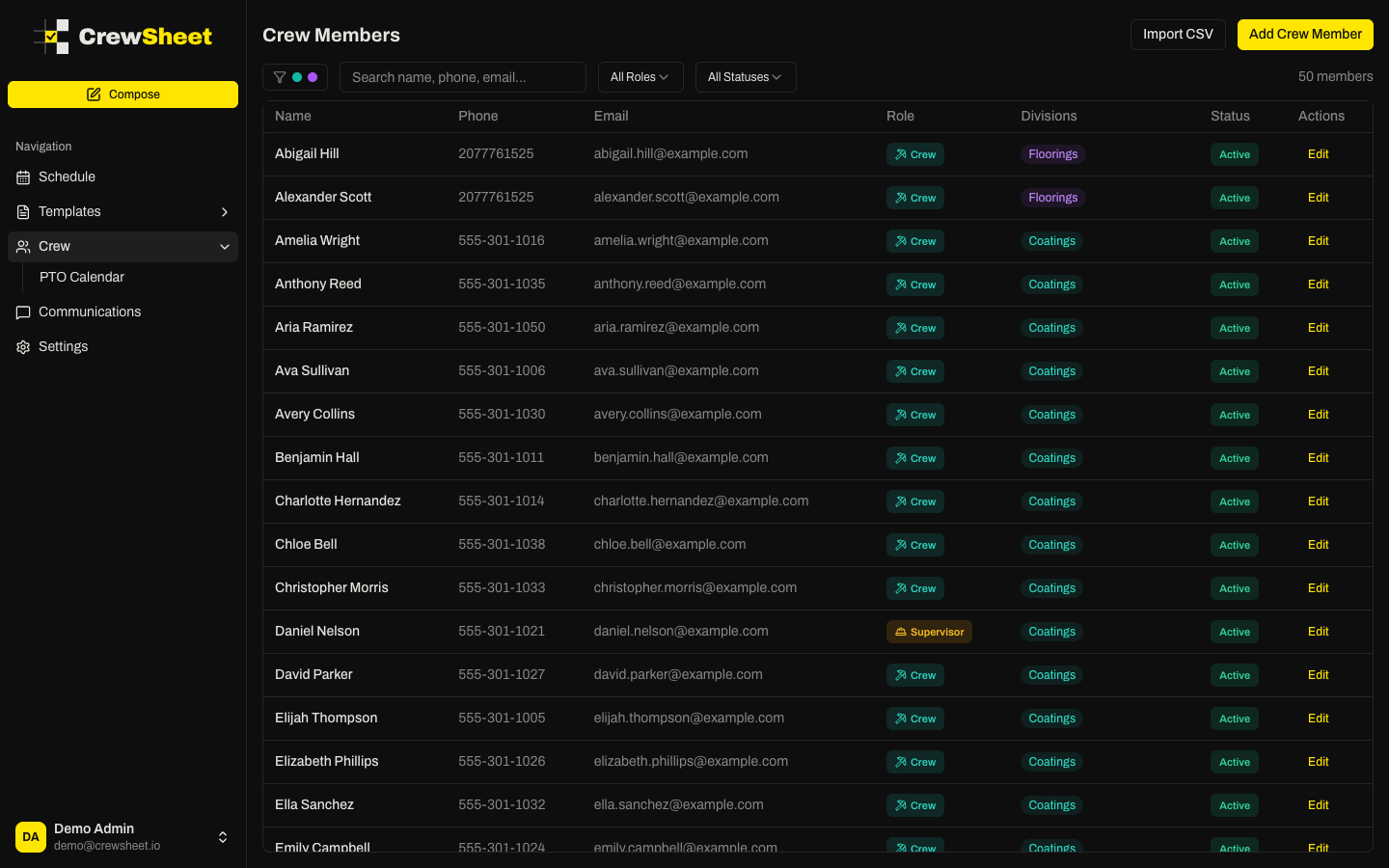
The Crew page lists every member in a table showing name, phone, email, role, divisions, and status. Use the tools along the top to find people fast:
- Search by name, phone, or email
- Filter by role (Crew or Supervisor)
- Filter by status (Active or Inactive)
- Filter by division if your company uses divisions
The count on the right tells you how many members match your current filters.
Adding a crew member
- Click Add Crew Member in the top right.
- Enter their Full Name (required).
- Add a Phone number for SMS and an Email for email notifications. Add at least one so they can receive the schedule.
- Choose a Role — Crew or Supervisor. See Roles and supervisors.
- Click Add Crew Member.
To add many people at once, use Importing crew from a spreadsheet.
Editing and archiving
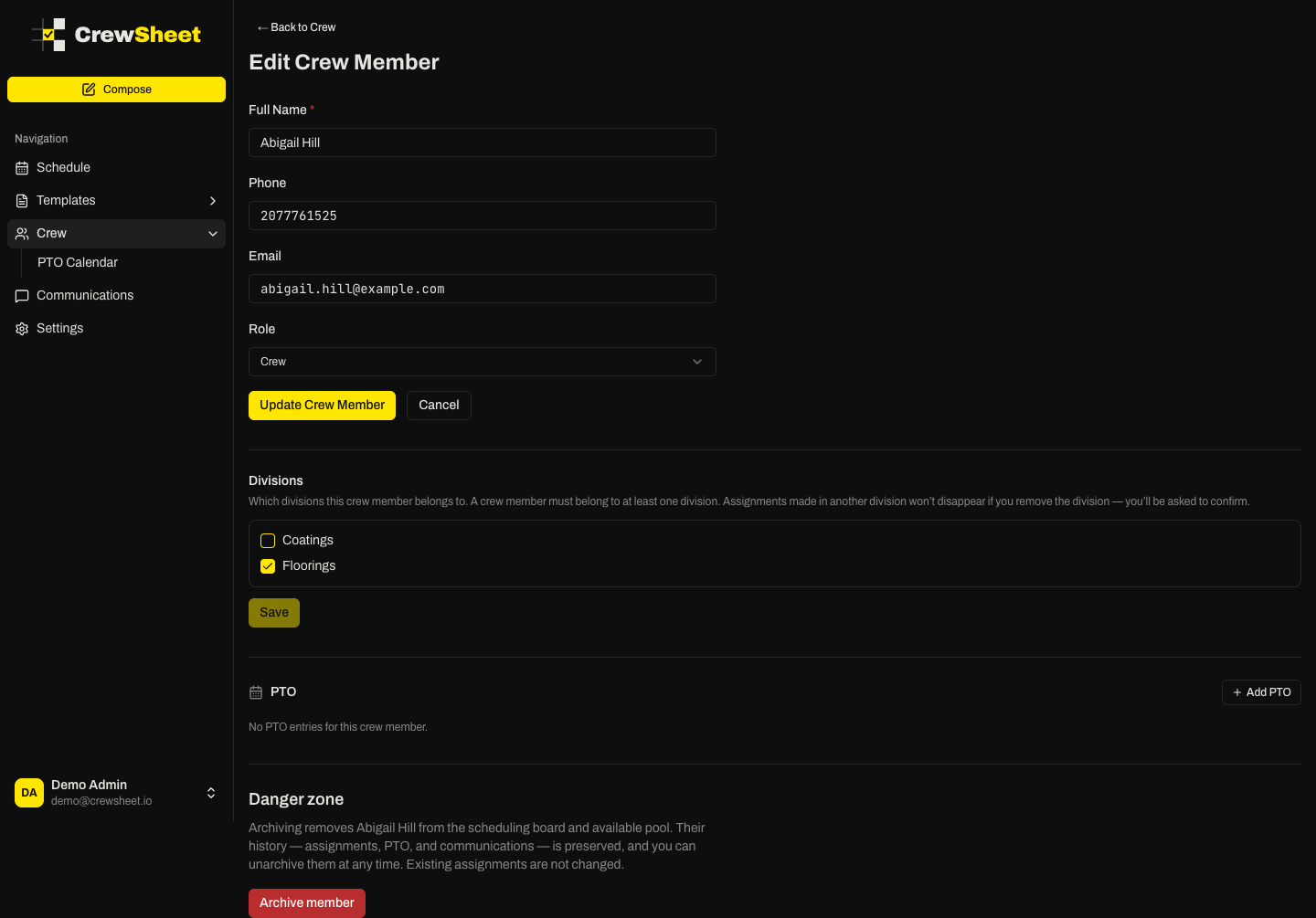
Click any row to open that member's details, where you can update their info, assign divisions, and record PTO. When someone leaves or goes on long-term leave, scroll to the danger zone and click Archive member. Archived members drop off the scheduling board and available pool but keep all their history, and you can unarchive them anytime.