Notes from the field.
Product updates, scheduling playbooks, and lessons from the trades we build for.

Construction Crew Scheduling: A Practical Guide for Trade Contractors
Construction crew scheduling is the daily job of deciding who works on which job tomorrow, making sure nobody is booked twice or scheduled while on time off, and getting every person their job, address and start time before they leave the house. On a trade contractor's crew it changes every afternoon: a job slips, someone calls in sick, a truck goes out of service. This guide covers how to do that well, from the project schedule down to the text each person gets in the morning. It links e
READ →
Import Jobs and Crews from Spreadsheets
Import Jobs and Crews from Spreadsheets Copying 200 rows from a payroll export into a daily schedule can take an hour and often introduces missed phone numbers or PTO conflicts. Import jobs and crews from spreadsheets to a day board is a practical import workflow that moves CSV or Excel job and crew exports into Crew Sheet's day board while preserving start times, PTO flags, job numbers, and contact details. Our guide shows schedulers how to map columns and import jobs and crew lists ont
READ →
Construction Crew Scheduling FAQs
Construction Crew Scheduling FAQs A single double-booked crew member can force last-minute calls, add travel time, and cost a small contractor hundreds in lost labor each day. construction crew scheduling FAQs is an FAQ resource that answers operational questions contractors ask about daily crew scheduling, SMS delivery, avoiding double-booking, and moving from spreadsheets to CrewSheet. You'll get clear, actionable answers on day-board assignment and single-use rules to stop overlaps, p
READ →
Best SMS Dispatch Software for Construction Crews
Best SMS Dispatch Software for Construction Crews A single mis-sent schedule text can leave a 10-person crew waiting and cost hundreds in idle labor. The best SMS dispatch software for construction crews is SMS-first dispatch tools that send day-of job details by text, reduce manual copy-paste from spreadsheets, and provide delivery audit logs. Our comparison evaluates SMS-first dispatch tools, features, and ROI, and recommends best-fit options for small-to-midsize trades operators. We s
READ →
Construction Field Management Software for Small Contractors
Construction Field Management Software for Small Contractors Double-booking a crew wastes a full workday and strips margin from small trades contractors. Construction field management software is a category that centralizes daily crew scheduling, displays PTO to prevent accidental shifts, and sends SMS or email so field workers never need a login. Our beginner's buyer guide compares spreadsheets, enterprise suites like Assignar, and purpose-built options such as CrewSheet, and shows how
READ →
How to Avoid Double-Booking Crew Members on a Job
How to Avoid Double-Booking Crew Members on a Job A single misassignment, scheduling one worker on two jobs the same day, triggers frantic calls, last-minute reassignments, and lost hours on site. How to avoid double-booking crew members on a job is a set of scheduling practices and tools that prevent assigning any crew member to more than one full-day job on the same date. This guide teaches practical, step-by-step methods to prevent double-booking crew members, implement PTO-aware sche
READ →
L1 L2 L3 Schedules in Construction: From CPM to Day Board
L1 L2 L3 Schedules in Construction: From CPM to Day Board A foreman juggling three overlapping project plans can lose two hours every morning reconciling who should be on which job. L1 L2 L3 schedules in construction is a scheduling hierarchy that maps CPM-level milestones (L1) through project-phase plans (L2) down to day-by-day crew assignments (L3). When that hierarchy is not mapped to the day board, double-bookings, missed starts, and PTO mistakes follow. This practical best-practices
READ →
Field Crew Dispatch via SMS: Delay Triage Playbook
Field Crew Dispatch via SMS: Delay Triage Playbook Two delayed sites often force dual-crew standbys and consume 3–6 billable hours per crew. Field crew dispatch via SMS is a communication method that sends individualized job details by text to field workers without requiring app logins. Our CrewSheet day board lets operators triage multi-site construction delays, assign crews by drag-and-drop, and send tailored SMS in about 30 seconds. This playbook shows how to grade delay severity, pri
READ →
CPM vs Gantt vs Pull Planning: Best for Trade Contractors
CPM vs Gantt vs Pull Planning: Best for Trade Contractors A single double-booked crew can cost a small trade contractor a half-day of productive work. CPM vs Gantt vs pull planning is a comparison of three construction scheduling methods: CPM is a logic-driven method that maps critical paths, Gantt is a timeline-based charting method that visualizes task durations, and pull planning is a collaborative lookahead method that sequences work with crews. On our site we evaluate those methods
READ →
Scheduling Software for Construction Crews
Scheduling Software for Construction Crews Copy-pasting schedules into group texts can cost small trades teams two hours per day in rework. Scheduling software for construction crews is software that centralizes day-based job assignments, prevents double-booking, and pushes start-time SMS so foremen and crew receive clear, no-login instructions. On our website we compare crew scheduling tools to help small-to-midsize coatings, HVAC, and specialty-trade operators decide which scheduling s
READ →
Day Board vs Time Grid in Field Scheduling
Day Board vs Time Grid in Field Scheduling A single wrong start time can leave a crew idle for two paid hours and wreck the day's productivity. Day board vs time grid in field scheduling is a comparison that contrasts a start-time-focused day board (jobs shown side-by-side) with an hour-by-hour time grid (calendar-style slots). This article helps schedulers decide which view fits start-time-based, full-day job operations and which trade-offs matter for foremen, operators, and office sche
READ →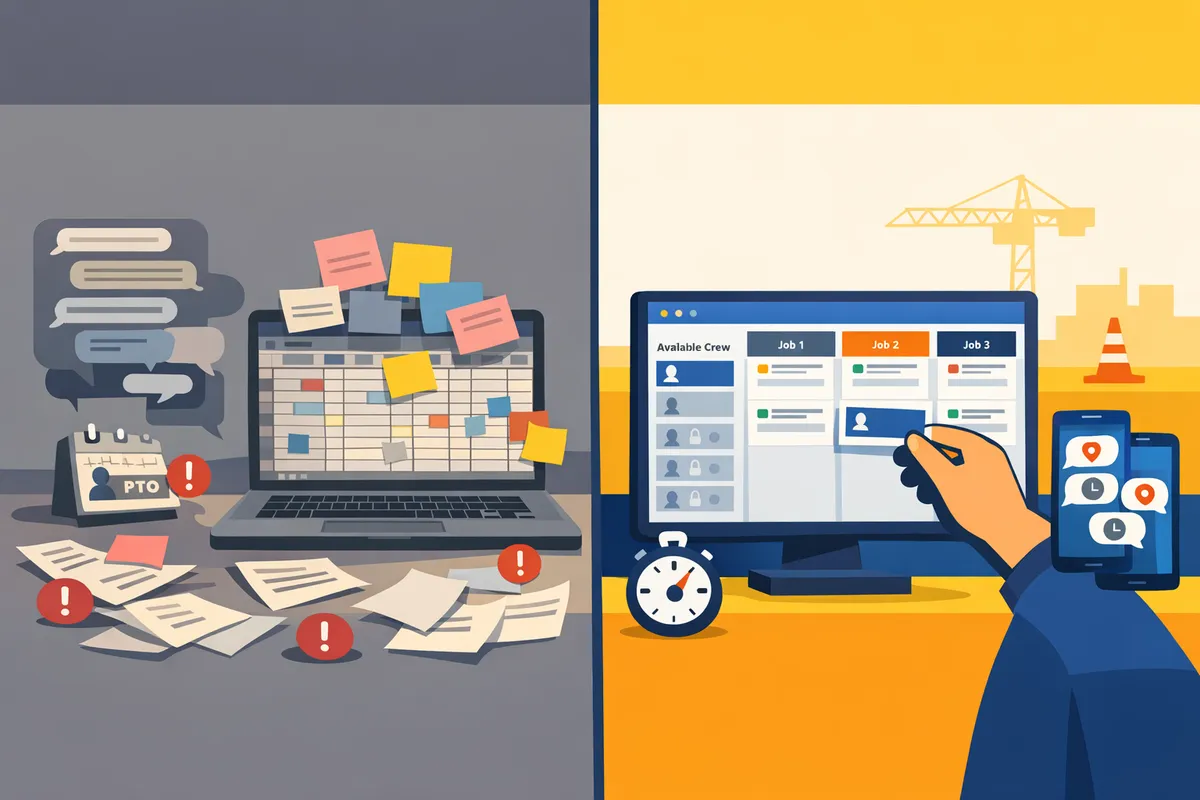
No-Login Crew Scheduling Solution for Construction Field
No-Login Crew Scheduling Solution for Construction Field Operators waste 20–40 minutes every morning manually texting crews from spreadsheets, causing missed starts and duplicate bookings. A no-login crew scheduling solution for construction field teams is scheduling software that sends job details by SMS so field workers never create accounts. This article explains how Crew Sheet lets operators build a day's board, pick a template, and send every worker their job and start time by SMS i
READ →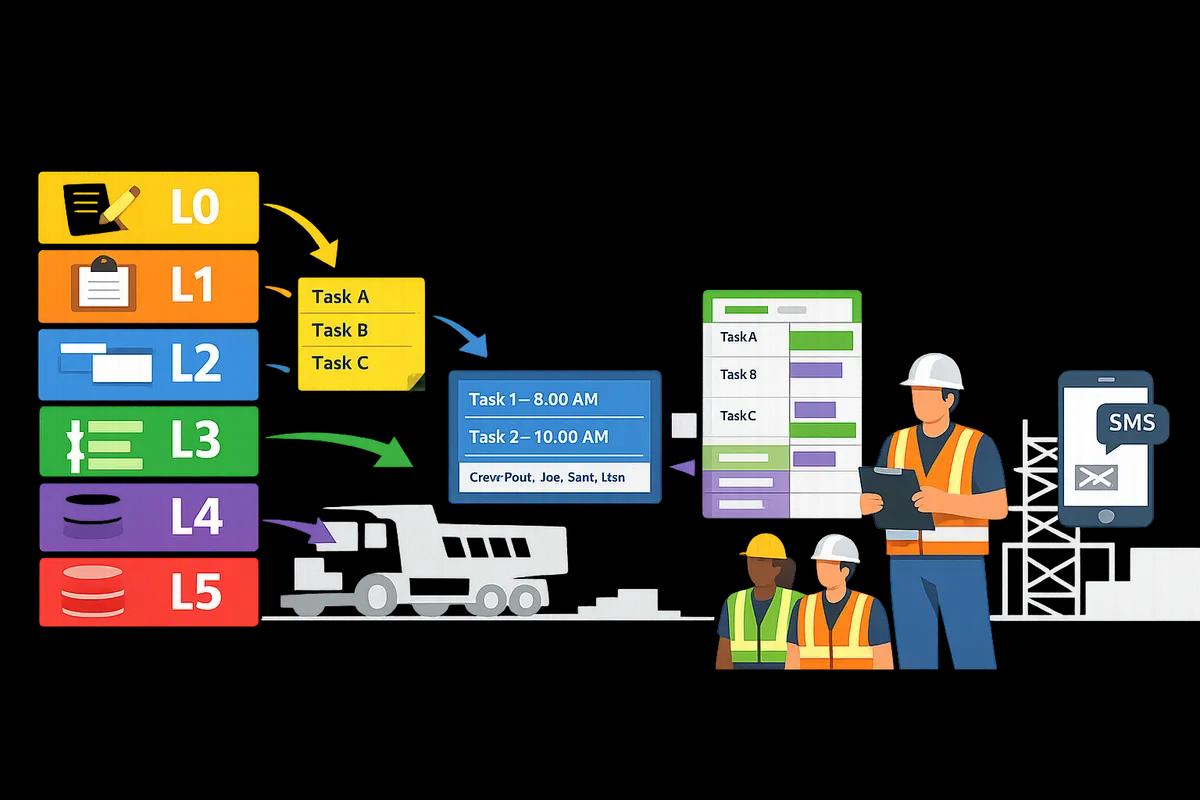
AACE 37R-06 Schedule Levels Explained for Trade Contractors
AACE 37R-06 Schedule Levels Explained for Trade Contractors A single misclassified schedule level can send a 10-person crew to the wrong site or leave them missing critical prep, costing a full day of labor. AACE 37R-06 schedule levels are an industry standard that defines five detail tiers (L0–L5) for how much scope, timing, and risk a schedule should convey. This article explains how to apply AACE 37R-06 schedule levels to daily crew scheduling so small trades operators choose the righ
READ →
CrewSheet vs Spreadsheet-Based Scheduling
CrewSheet vs Spreadsheet-Based Scheduling Copy-pasting crew assignments from Google Sheets and firing off group texts eats 30–90 minutes each morning for many small trades operators and causes missed starts and double-bookings. This crewsheet vs spreadsheet-based scheduling comparison examines CrewSheet, Google Sheets plus group texts, and enterprise platforms so small trades operators can choose the best day-of crew scheduling workflow. CrewSheet is crew-scheduling and communication sof
READ →
Drag-and-Drop Crew Scheduling for Construction
Drag-and-Drop Crew Scheduling for Construction Manual scheduling from Google Sheets and group texts creates morning scramble, mistaken job locations, and wasted office hours for small trades operators. Drag-and-drop crew scheduling is a visual scheduling interface that lets operators assign workers from an available pool onto day-long job cards by dragging names, preventing double-booking and making start times explicit. Our product CrewSheet applies that pattern with a single-day board
READ →
Foreman View: Who Is On My Job Tomorrow
Foreman View: Who Is On My Job Tomorrow A single missing crew name for tomorrow often triggers 30–60 minutes of calls, reassignments, and last-minute delays. 'foreman view: who is on my job tomorrow' is a supervisor-focused roster that shows assigned crew, start time, and contact info for the selected date. In this best-practices guide our website shows foremen and schedulers a step-by-step routine, two ready-to-use roster templates, and clear software recommendations to produce a reliab
READ →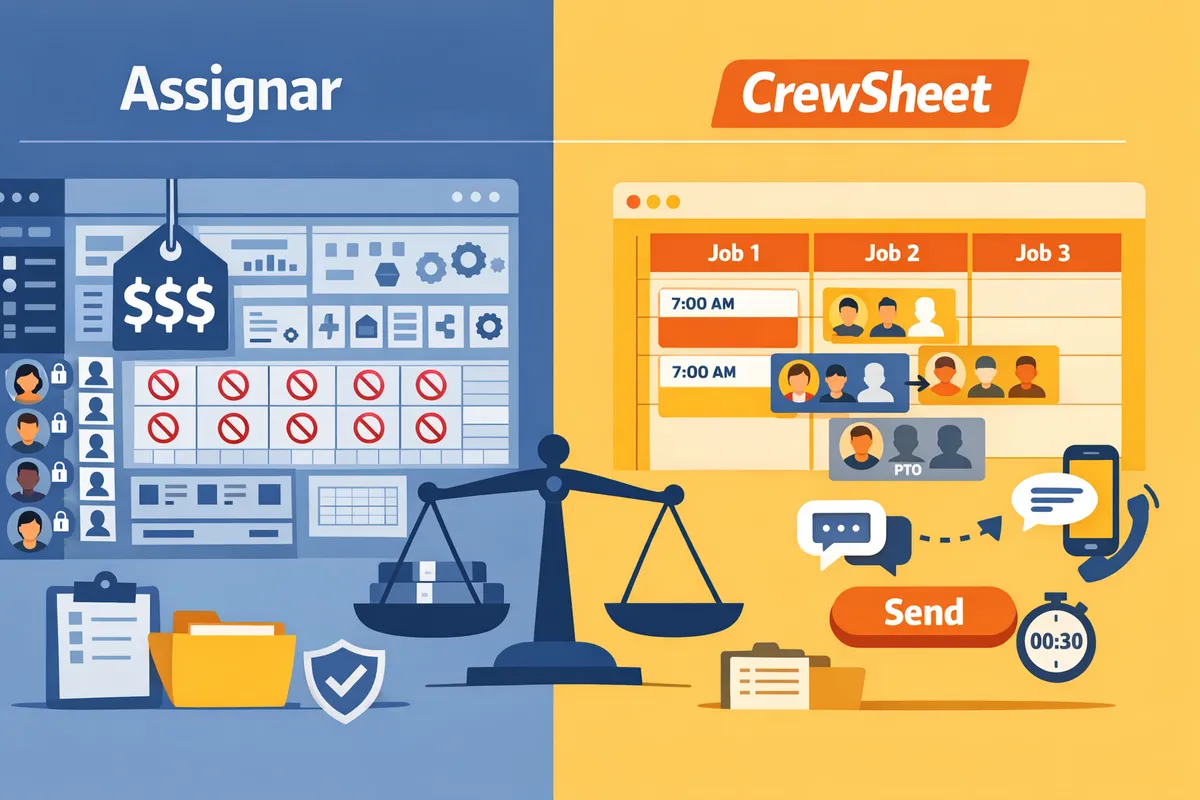
Why Is Assignar So Expensive
Why Is Assignar So Expensive Assignar pricing often costs small trades contractors thousands per year for platform features they never use. Searchers asking "why is assignar so expensive" are usually comparing Assignar's full-platform fees to lighter crew-scheduling options. CrewSheet is crew-scheduling software that uses a drag-and-drop day board and SMS with a two-way inbox to assign crews and send schedule notifications without requiring field-worker logins. Our website compares the r
READ →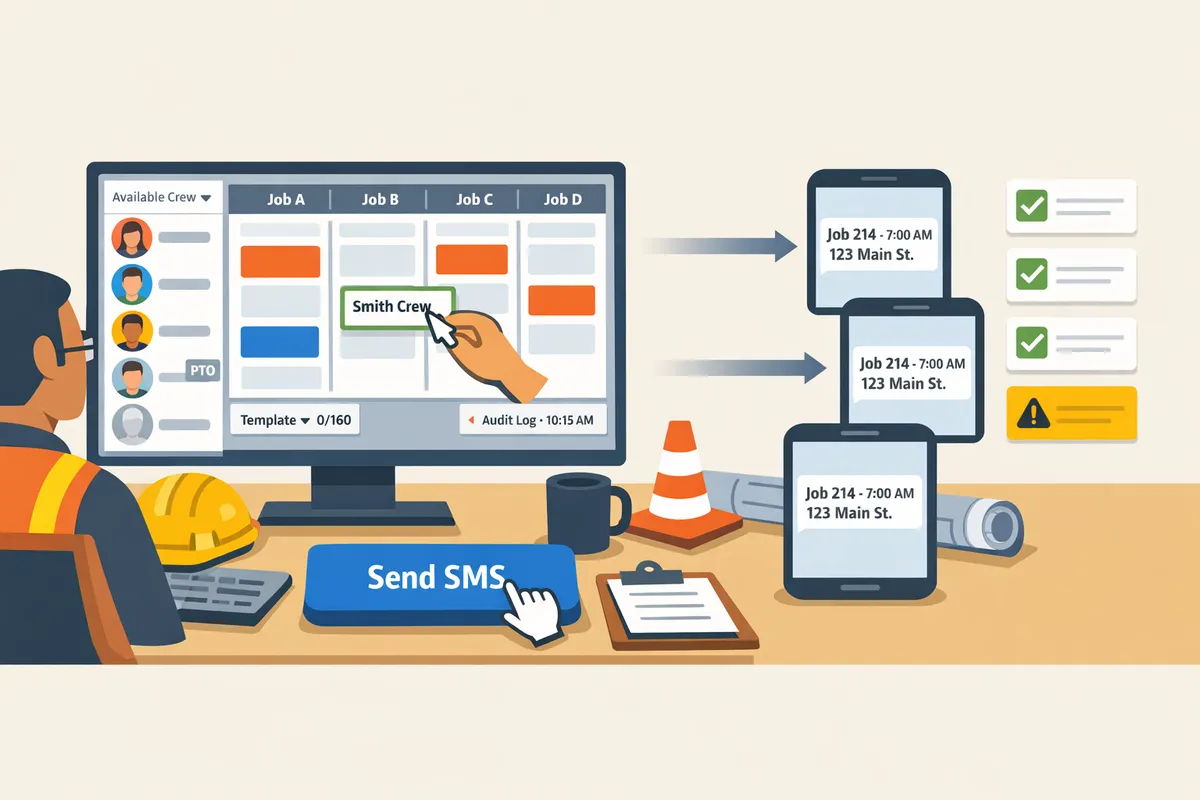
One-Way Field Communication for Job-Site Crews, by Text
One-Way Field Communication for Job-Site Crews, by Text One-way field communication means the office sends each worker their job and start time by text, and the crew never has to log in, install or open anything to get it. This guide covers what to send, when to send it, how to keep replies from burying the office, and what to check before you trust a text-first setup. What is one-way field communication for job-site crews? It is a push channel: the scheduler decides what each
READ →
Construction Dispatch Software: A Beginner's Guide
Construction Dispatch Software: A Beginner's Guide Construction dispatch software is a tool that assigns crews to jobs and tells each person where to be and when. For a small trades contractor, the useful version is simple: a board you build in minutes and a text that reaches every worker without an app. This guide covers what the software does, what to look for, what it costs, and how a day looks when you run it. What is construction dispatch software? Construction dispatch softw
READ →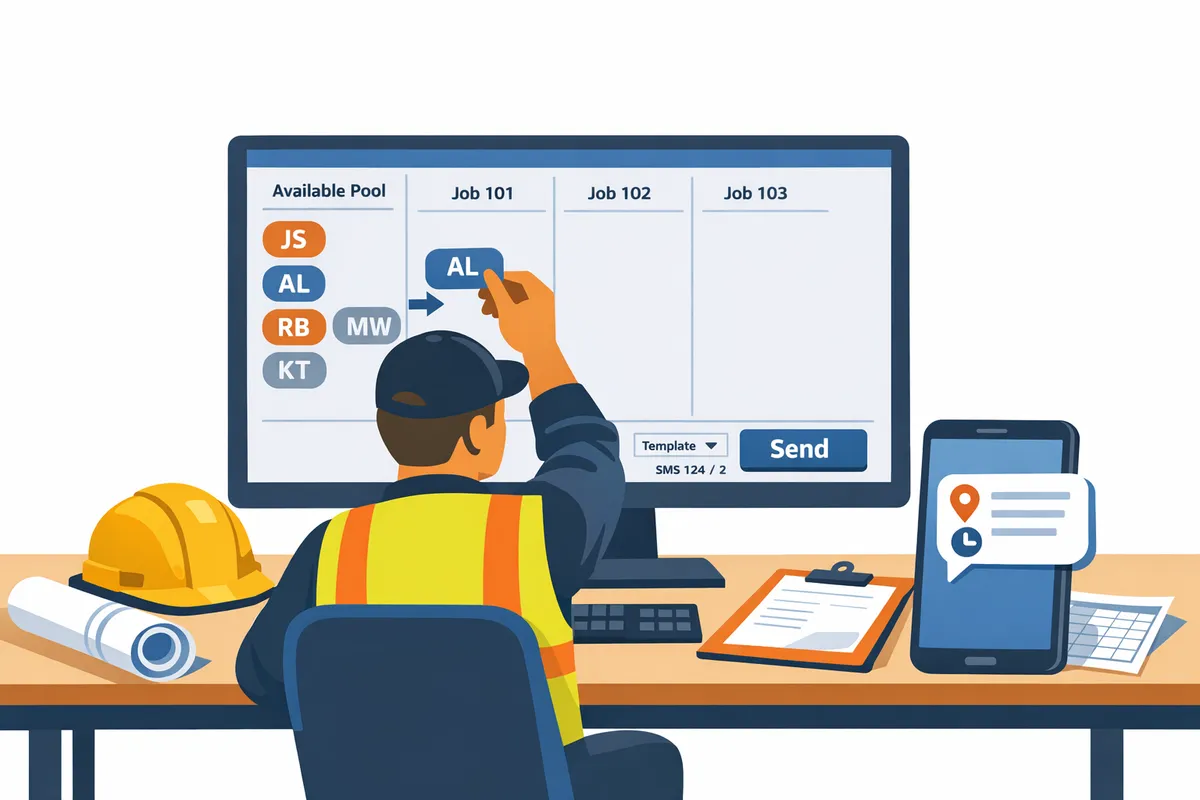
Small Contractor Scheduling App With Universal SMS
Small Contractor Scheduling App With Universal SMS Copy-pasting schedules into group texts wastes hours each week and makes crews show up late or not at all. A small contractor scheduling app with universal sms is scheduling software that sends one-way SMS job notices to every crew member without requiring field-worker logins. This article compares scheduling apps that send crew schedules by SMS for small construction contractors, with links to our blog. CrewSheet replaces spreadsheet
READ →
Start Times by Text: Send Every Crew Their Job Fast
Start Times by Text: Send Every Crew Their Job Fast Sending start times by text means every worker gets their own job, address and start time in a message, without a group thread or a phone call. CrewSheet builds each message from a template, so you drag names onto jobs, hit send, and the crew gets the text. Building the board and sending every text takes under 30 seconds. This guide covers how to send a start time text to employees, what each message should say, how to schedule start
READ →
Crew Scheduling Apps for Construction: 6 Compared (2026)
Crew Scheduling Apps for Construction: 6 Compared (2026) The best crew scheduling app for a 10 to 40 person field crew is the one that gets tomorrow's start time onto every worker's phone without a login. Below are six crew scheduling apps compared on what a scheduler actually decides: how crews get told, what it costs at your headcount, and what you have to give up. What should a crew scheduling app for construction do? It should let one person build the day, catch conflicts, and
READ →
Convert Gantt Chart to Daily Schedule: 2-Week Lookahead
Convert Gantt Chart to Daily Schedule: 2-Week Lookahead A Gantt chart shows bars, and a crew needs names, a job and a start time for each day. To convert a Gantt chart to a daily schedule, cut the chart to the next two weeks, split each bar into one line per working day, set a crew count and start time per line, then put names on every line. This guide walks that through for an office scheduler, with one worked example you can copy. What does it mean to convert a Gantt chart to a
READ →
Construction Dispatch Management Software
Construction Dispatch Management Software Schedulers at small trades firms can spend 30–60 minutes each morning copying rows from Google Sheets into group texts just to dispatch crews. Construction dispatch management software is a category of tools that centralizes daily crew assignments and sends SMS notifications without requiring field-worker logins. Our CrewSheet offers a drag-and-drop day board and push-based SMS so an operator can build the board and notify every worker in about 3
READ →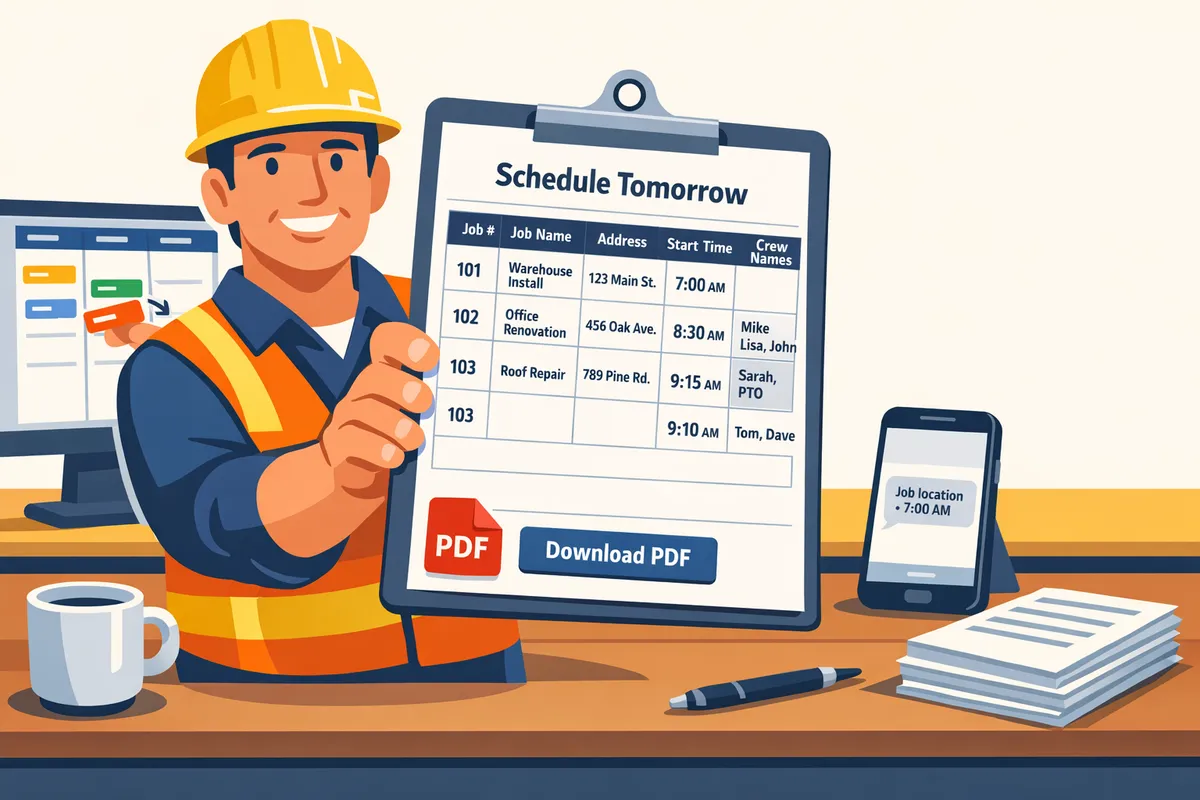
Foreman View Schedule Tomorrow PDF Pack
Foreman View Schedule Tomorrow PDF Pack Exporting a foreman view schedule tomorrow pdf from a spreadsheet can take 15–30 minutes of copying and reformatting. Foreman View is a filtered scheduling view that shows the roster for a single foreman's job on a selected date. Our Crew Sheet templates and workflows let operators build the day on the schedule board and generate a printer-ready PDF without manual layout work. The step-by-step export uses the foreman filter, a downloadable template
READ →