Built for the field.
How CrewSheet handles the day-to-day of scheduling and dispatching a trades crew.
 ▶ 28s
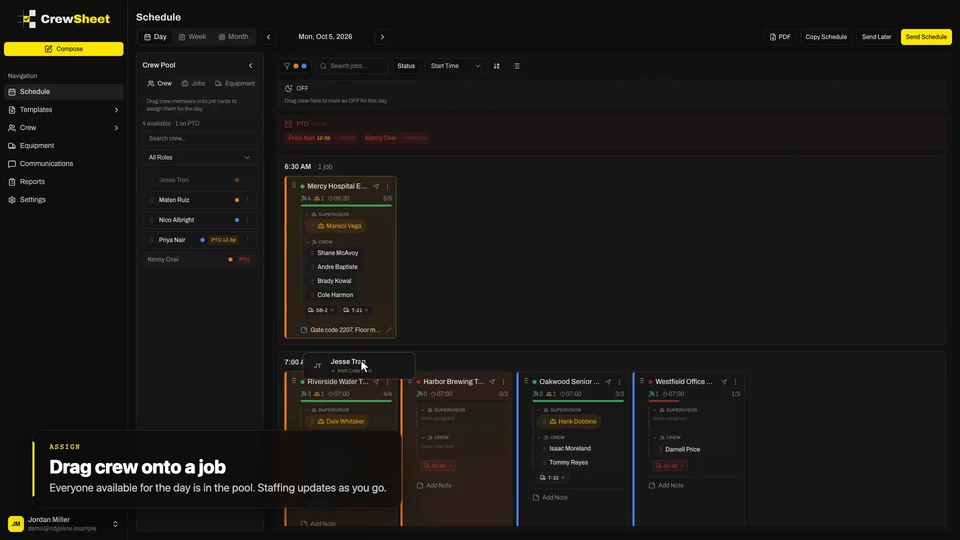
▶ 28sDrag-and-drop crew scheduling
Every job for the day side by side, everyone available in a pool. Drag people where they need to be. The board keeps score.
WATCH →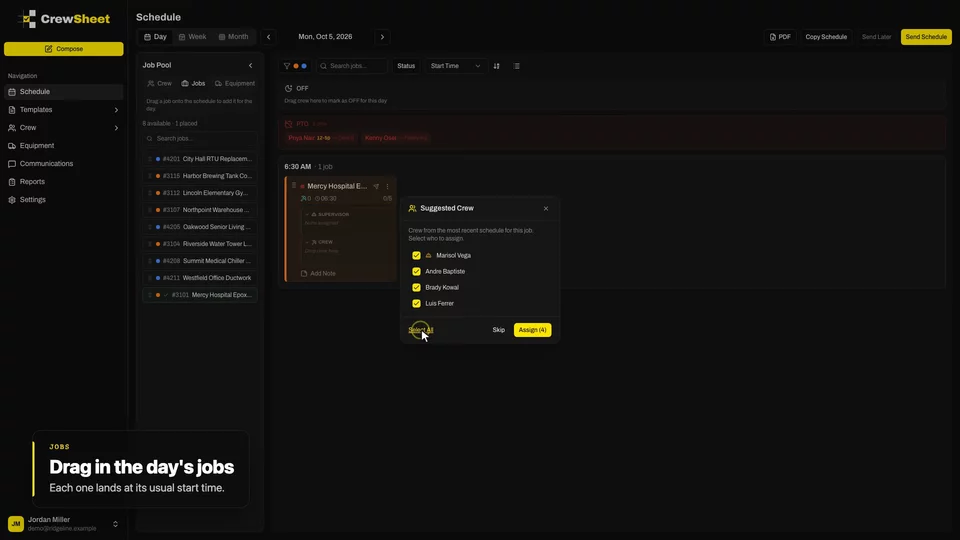 ▶ 40s
▶ 40sBuild the day in minutes
Pull the day's jobs onto the board and CrewSheet suggests the crew that worked each one last time. Most days take a few clicks.
WATCH →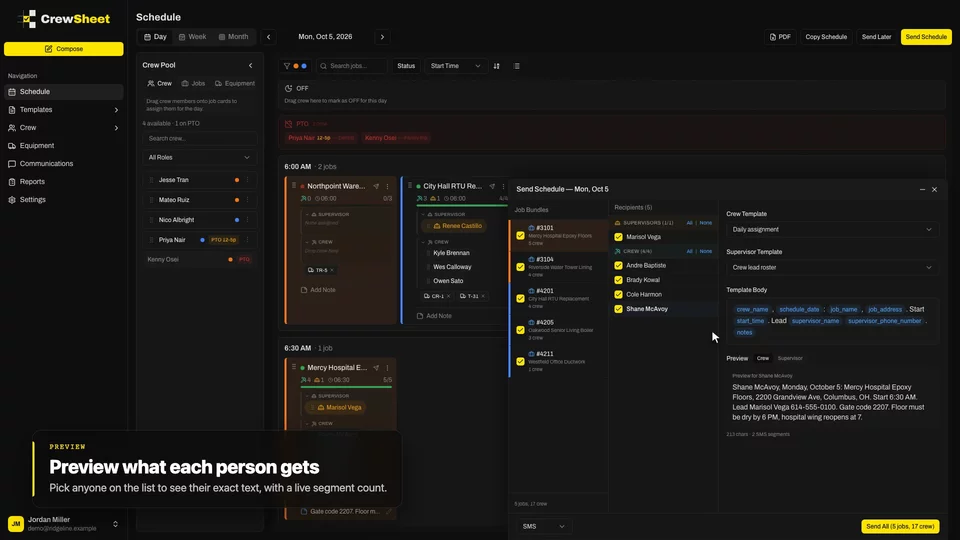 ▶ 22s
▶ 22sText the crew their schedule
Hit send and each person gets a plain text with their own job, address, start time and crew lead. No app to install, no login to forget.
WATCH →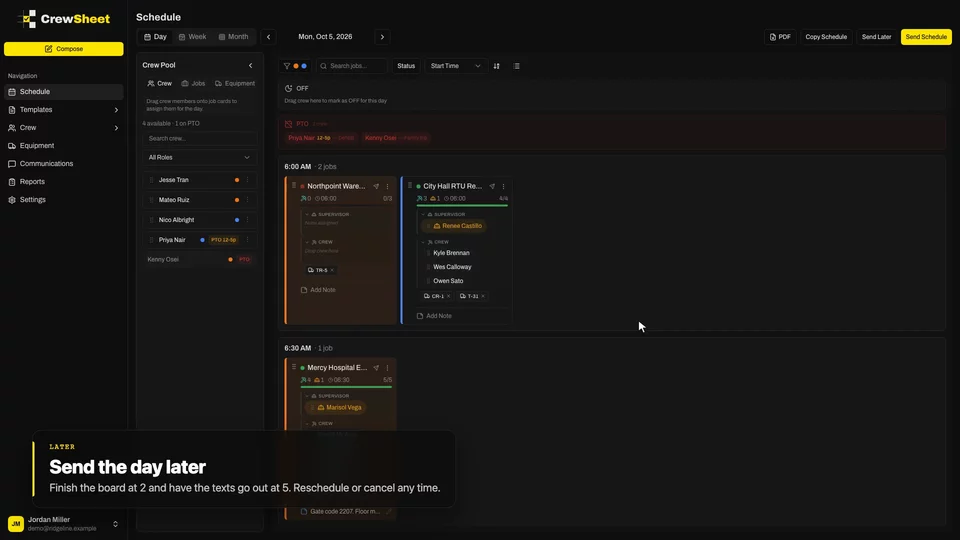 ▶ 25s
▶ 25sChanges and Send Later
Plans change. CrewSheet notices when a job changed after its texts went out and sends only the people affected an update.
WATCH →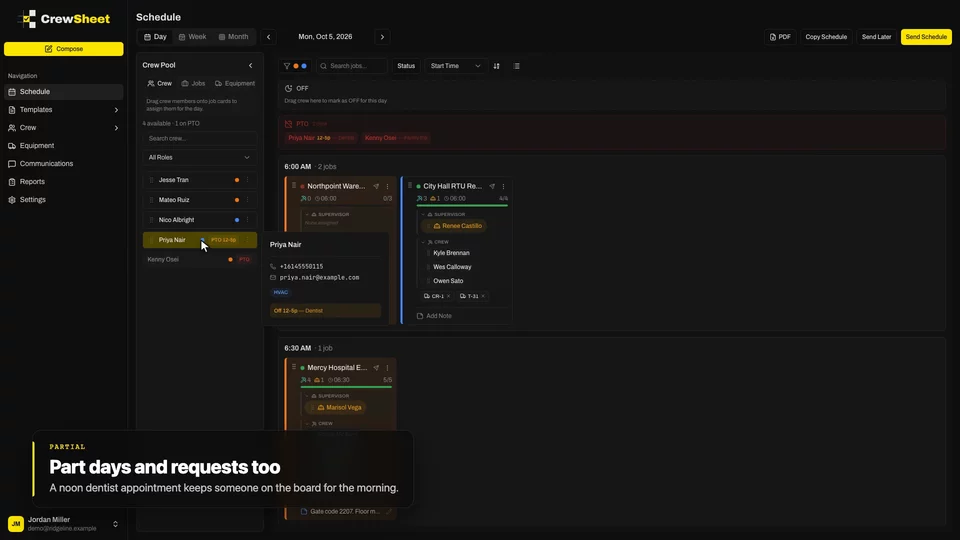 ▶ 23s
▶ 23sPTO-aware scheduling
Time off shows up where you schedule, so you don't book someone who's on vacation.
WATCH →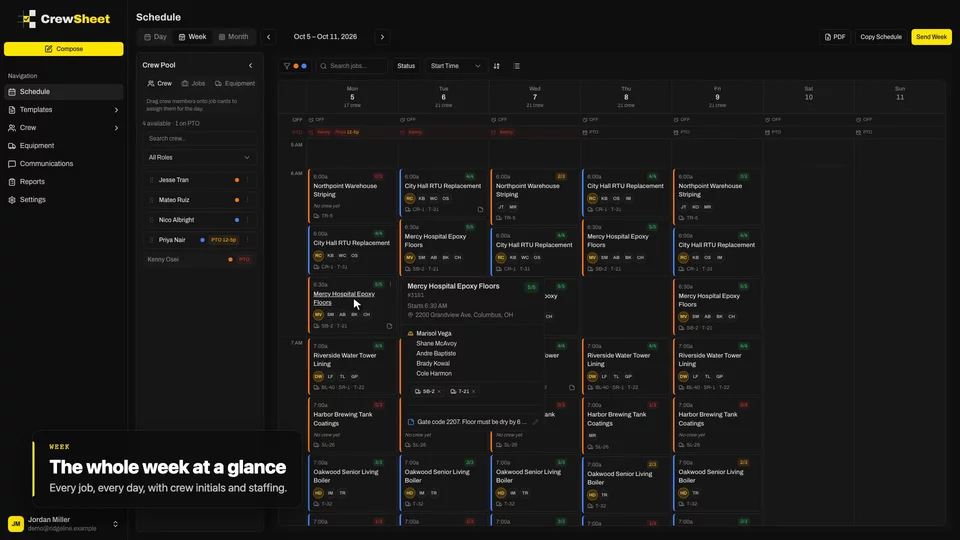 ▶ 28s
▶ 28sPlan and send the week
See the week at a glance, then send each person one message with all their days.
WATCH →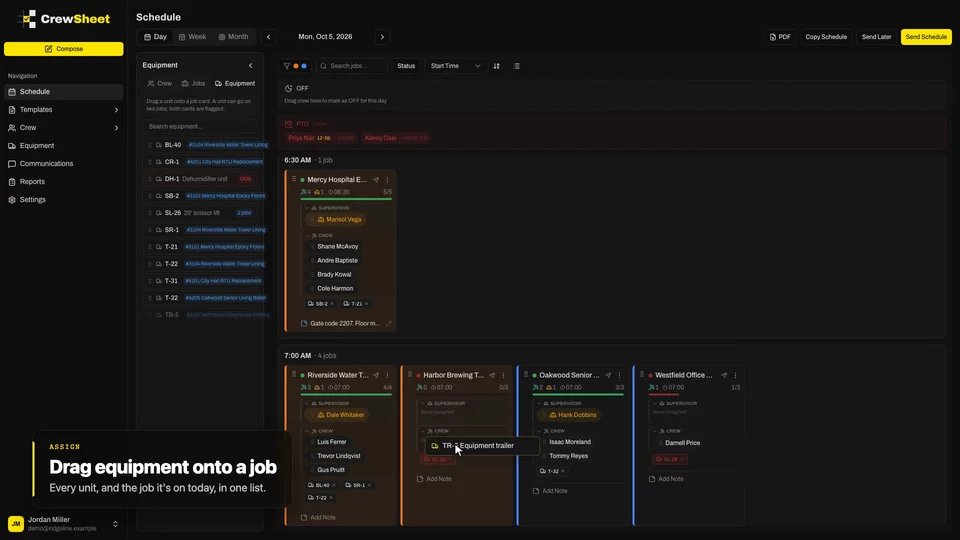 ▶ 20s
▶ 20sTrucks and equipment on the board
Drag trucks, lifts and trailers onto jobs like crew. Everyone knows what's going where.
WATCH →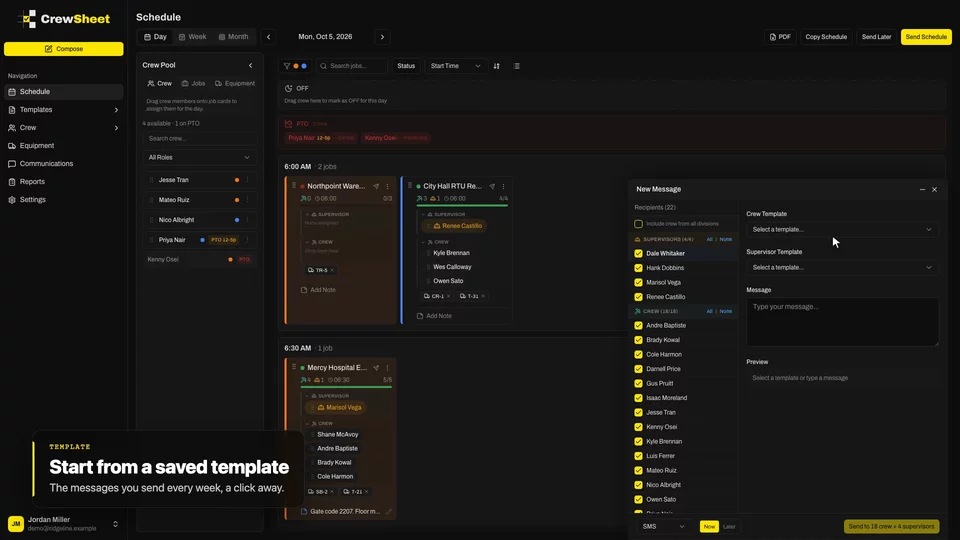 ▶ 28s
▶ 28sAnnouncements and templates
Weather hold, safety meeting, change of plans. Reach the right people in seconds.
WATCH →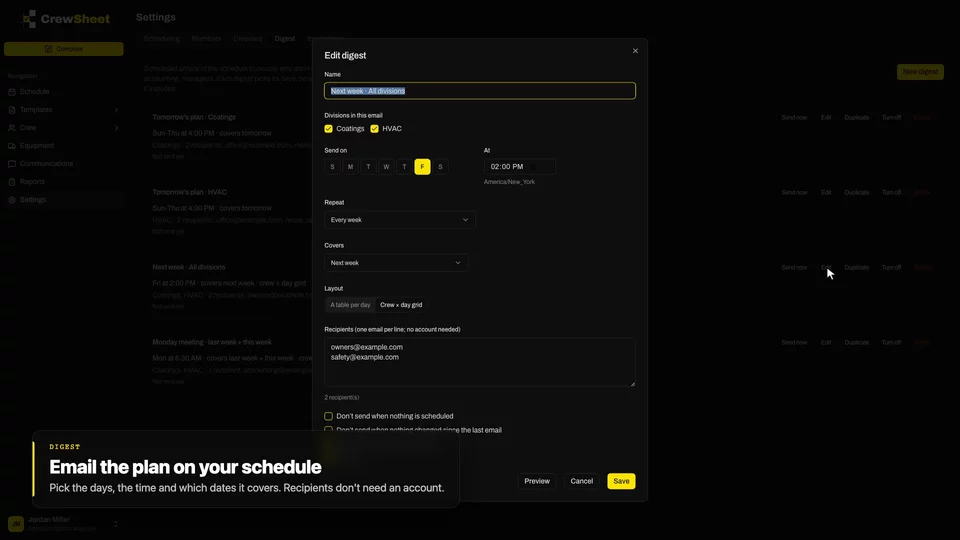 ▶ 26s
▶ 26sDaily digests and PDF work plans
The people who don't schedule still need the plan. Send it to them automatically, with a printable PDF.
WATCH →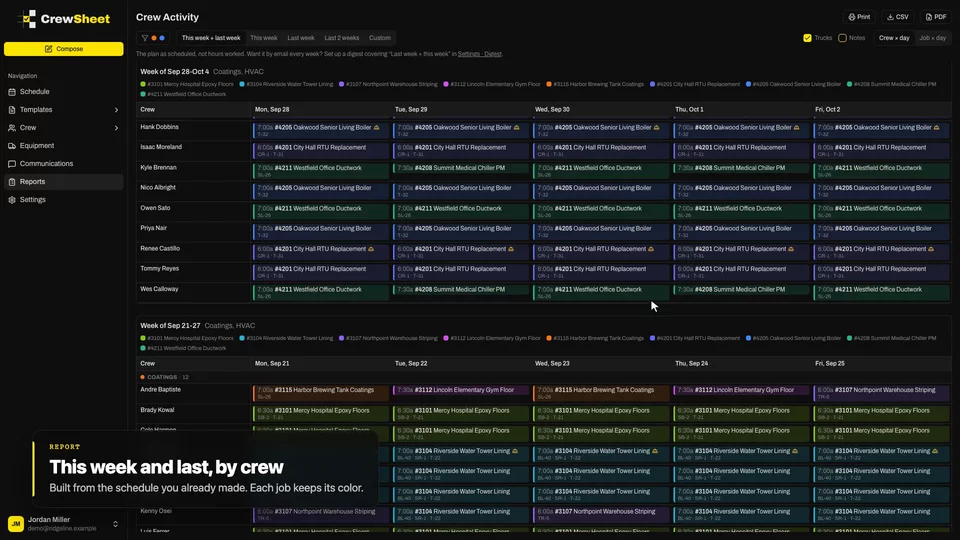 ▶ 23s
▶ 23sWho worked where
The Monday-meeting report, built from the schedule you already made.
WATCH →